Set up your Possum
Set up in a minute.
Get the Possum app, plug in your key and flip it on.
Get Possum for Mac
Download Possum for MacOr with Homebrew:
The Mac app is on its way.
It's ready before the first keys ship in early December. Join the list and we'll email you the link.
Email me when it's readyFor Macs with Apple silicon on macOS 26 or later.
Three steps
Download and open the app.
It asks for your password once, to approve the helper that keeps your Mac awake.
Plug in your key.
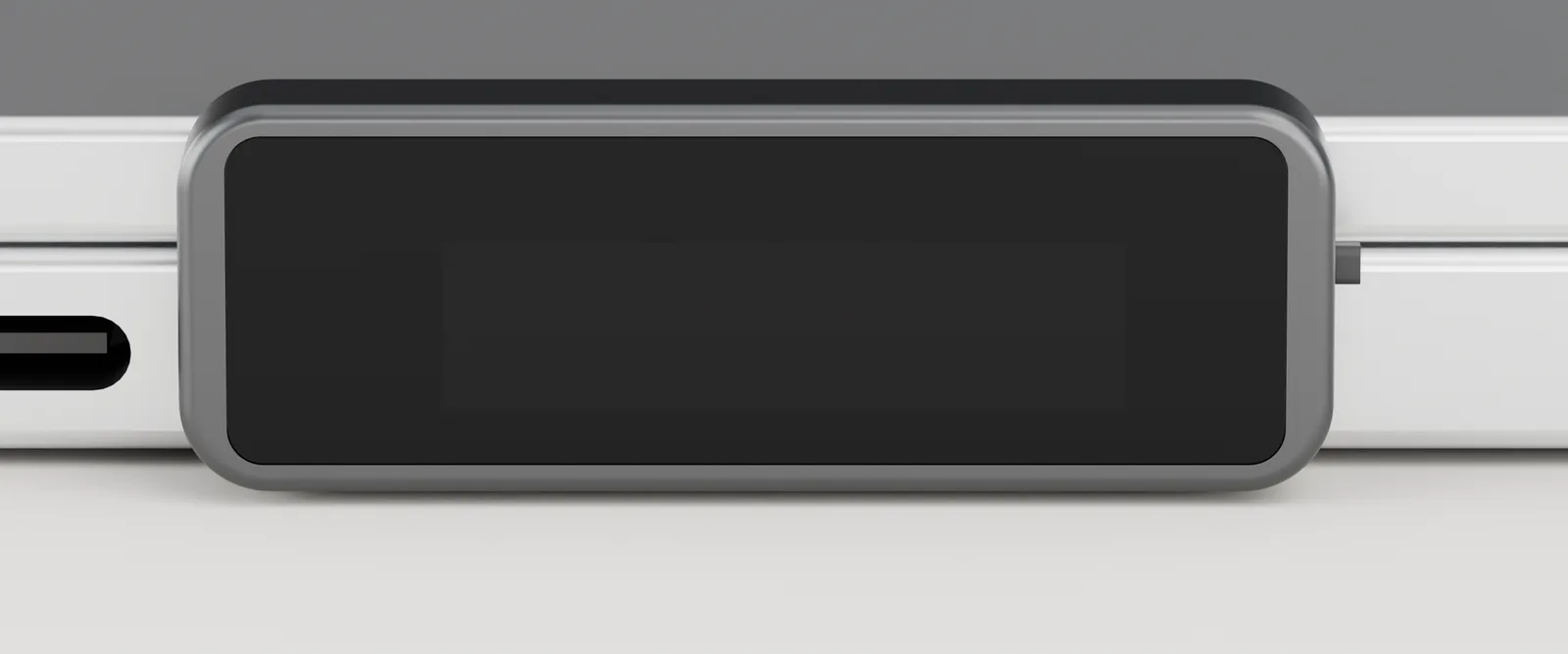
When your Mac asks whether to allow the accessory to connect, click Allow. The possum appears on the key's screen.
Flip it on. Close the lid.
Your Mac stays awake with the lid closed while the key is in and switched on. Flip it off or pull it out, and your Mac sleeps normally.
Possum moves your Mac to your phone's hotspot. During setup, one button opens the Mac's "Ask to join hotspots" setting; set it to Automatic. It works with an iPhone on the same Apple Account, or a hotspot your Mac has joined before.
Use it on a desk or table. Pull the key before your Mac goes in a bag. Possum stops on serious heat or a low battery and lets your Mac sleep.
Stuck? Email hello@trypossum.com or read the questions and answers.